OVERVIEW
What you get with the LinkedIn Ads integration
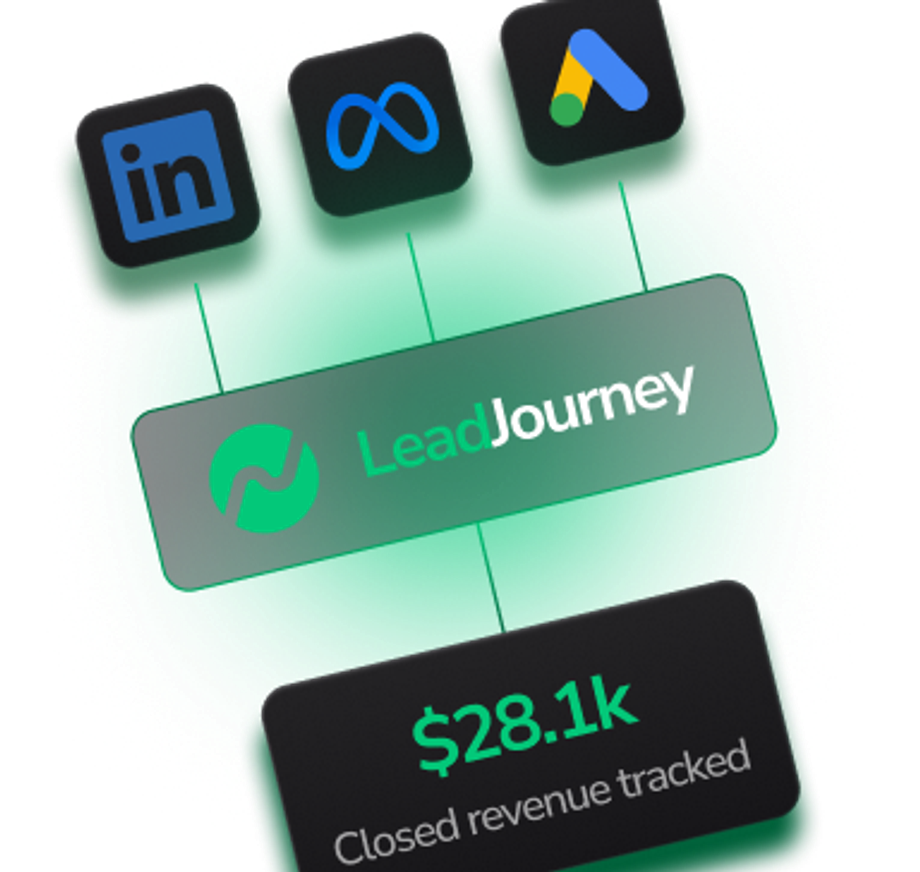
Send LinkedIn Ads conversion and lead data to LeadJourney for unified attribution. Map your campaigns, ad groups, and creatives to revenue so you can see exactly which LinkedIn touchpoints drive pipeline. Activate the integration in minutes — no code required.
USE CASES
What you can do with LinkedIn Ads and LeadJourney
Real ways LinkedIn Ads customers use LeadJourney to track and grow their B2B revenue.
- 01
Account-level attribution
Match LinkedIn ad engagement to target accounts in your CRM — see which companies are converting.
- 02
Conversions API (CAPI)
Server-side tracking via LinkedIn's Conversions API to capture deals that the Insight Tag misses.
- 03
Job-title insights
Break down ROAS by seniority, function, and company size — surface what's actually working in B2B.
- 04
Pipeline & revenue sync
Push closed-won revenue back to LinkedIn so the algorithm optimises for pipeline, not just leads.
WHY IT MATTERS
Why LinkedIn Ads customers need AI visibility tracking
LinkedIn Ads is a critical channel for B2B demand generation, but its native reporting stops at the click. Pairing LinkedIn Ads with LeadJourney closes the loop — every lead form submission, conversion, and offline win is tied back to the campaign, ad group, and creative that produced it, so your team can confidently optimize for pipeline instead of vanity metrics.
COMPARISON
LinkedIn Ads alone vs LinkedIn Ads with LeadJourney
How using LinkedIn Ads on its own compares to pairing it with LeadJourney for B2B attribution.
HOW TO CONNECT
How to connect LinkedIn Ads to LeadJourney
A few steps to wire your LinkedIn Ads account up to LeadJourney. No code required.
- 01
Get your LeadJourney API key
In LeadJourney, go to API Keys (left nav) and create a new key. Copy the sk_live_… key.
- 02
Get your LeadJourney API endpoint
On the LinkedIn Ads integration card, copy the API endpoint URL specific to your project.
- 03
Connect your LinkedIn Ads account
Click Connect LinkedIn Ads and authorize LeadJourney to read your campaigns, ad groups, and creatives.
- 04
Map your conversions
Match LinkedIn lead-gen forms and conversion events to LeadJourney attribution events using the visual mapper.
- 05
Activate the sync
Turn the integration on. LeadJourney will start ingesting LinkedIn Ads data within minutes.
FAQ
Frequently asked questions about LinkedIn Ads
Answers to the most common questions about the LinkedIn Ads integration.
Other LeadJourney integrations to consider
Pair LinkedIn Ads with these popular LeadJourney integrations to get more from your B2B ad stack.

Microsoft Bing Ads
Capture spend and conversions from Microsoft Advertising — including Bing, Edge, Yahoo, and the AI-powered Microsoft Copilot ads.
View Integration
Meta Ads
Track every dollar spent on Facebook and Instagram Ads. Send conversion events back via the Conversions API for iOS-proof attribution.
View Integration
Google Ads
Sync Google Ads spend, clicks, and conversions in real time. Attribute every campaign down to the keyword level.
View IntegrationTrack every test
With Pixel-Perfect Accuracy
every lead with pixel-perfect accuracy LeadJourney captures