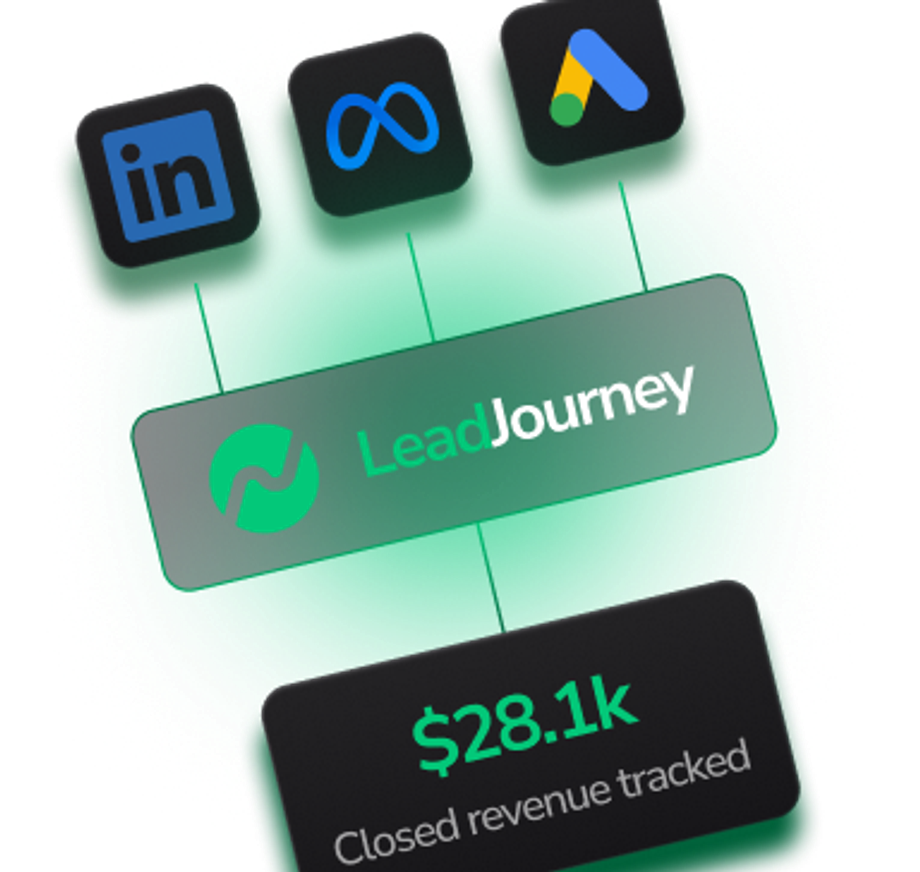
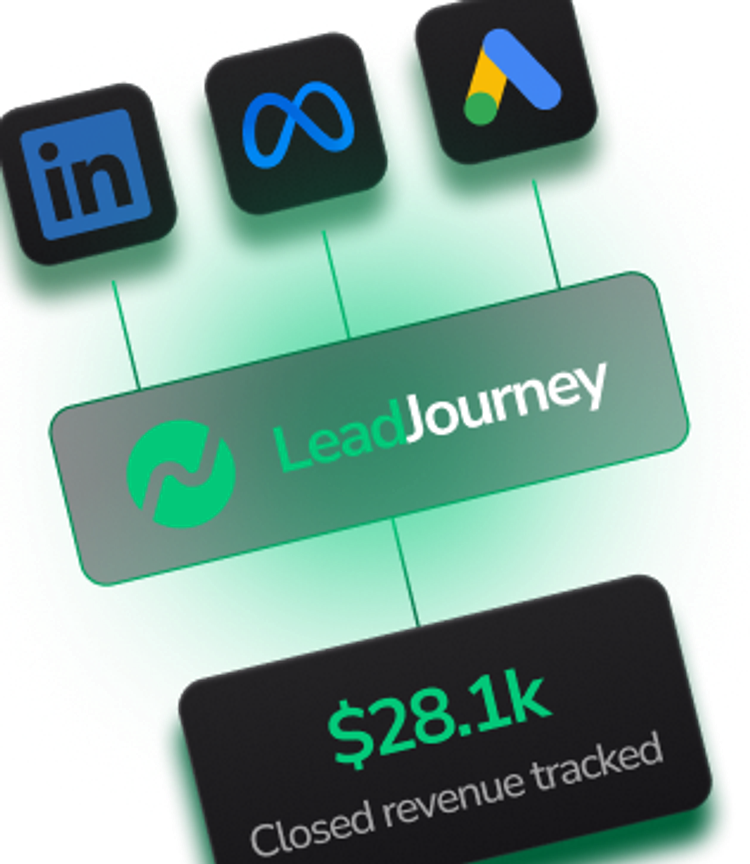
Connect your ad platforms, CRM and tools in one place. Track every lead to real revenue.
LeadJourney integrates with your ad platforms, CRM, forms, and scheduling tools out of the box. Every click, lead, and conversion flows into one dashboard. So you always know which channel, campaign, or keyword actually drives revenue.
All Integrations
Showing 24 of 24 integrations

Bing
Organic Channels
Track every Bing organic search lead as a distinct source — install our tracking script and see leads, pipeline, and ROI per channel without touching Bing Webmaster Tools.
Explore Integration
Organic Channels
Track every lead from organic Facebook posts, profiles, and pages — install our tracking script and use UTMs to break down by individual post or campaign.
Explore Integration
YouTube
Organic Channels
Track every lead from YouTube video descriptions, channel page, and pinned comments — install our tracking script and use UTMs to attribute leads to specific videos.
Explore Integration
Organic Channels
Track every lead from organic LinkedIn posts, articles, and profile clicks — install our tracking script and use UTMs to break down by post or article.
Explore Integration
TikTok
Organic Channels
Track every lead from TikTok bio links and video links — install our tracking script and use UTMs to see exactly which video drove each lead.
Explore Integration
Organic Channels
Track every Google organic search lead as a distinct source — install our tracking script and see leads, pipeline, and ROI per channel without touching Search Console.
Explore Integration
Organic Channels
Track every lead from Instagram bio links, Stories, Reels, and posts — install our tracking script and use UTMs to break down by content.
Explore Integration
Webflow
CMS
We support Webflow natively — paste the LeadJourney tracking script into Project Settings → Custom Code → Head. Publish, and tracking is live.
Explore Integration
Wix
CMS
We support Wix — paste the LeadJourney tracking script into Settings → Custom Code → Head. Publish, and tracking is live across your whole site.
Explore Integration
WordPress
CMS
We support WordPress — just paste the LeadJourney tracking script in your site header. Works with any theme, any page builder, any plugin setup.
Explore IntegrationCopilot
AI Search Engines
Capture every lead Microsoft Copilot sends to your site — no integration needed. Install our tracking script and Copilot traffic shows up separately from Bing and direct.
Explore Integration
Grok
AI Search Engines
Capture every lead Grok (xAI) sends to your site — no integration needed. Install our tracking script and Grok traffic from X and grok.com shows up as its own source.
Explore Integration
ChatGPT
AI Search Engines
Capture every lead ChatGPT (OpenAI) sends to your site — no integration needed. Install our tracking script and ChatGPT traffic shows up as its own source in every report.
Explore Integration
Perplexity
AI Search Engines
Capture every lead Perplexity sends to your site — no integration needed. Install our tracking script and Perplexity traffic shows up as a distinct source with full attribution.
Explore Integration
Claude
AI Search Engines
Capture every lead Claude (Anthropic) sends to your site — no integration needed. Install our tracking script and Claude traffic appears as a separate source in your reports.
Explore Integration
Gemini
AI Search Engines
Capture every lead Gemini (Google) sends to your site — separate from organic Google. Install our tracking script and Gemini gets its own attribution.
Explore Integration
DeepSeek
AI Search Engines
Capture every lead DeepSeek sends to your site — no integration needed. Install our tracking script and DeepSeek traffic appears as its own source.
Explore Integration
HubSpot
CRMs
Push HubSpot deal stages, qualified leads, and closed-won revenue back to LeadJourney via webhook — so every campaign sees the leads it actually drove.
Explore Integration
Pipedrive
CRMs
Connect Pipedrive to LeadJourney via webhook to push deal stage changes, qualified leads, and won revenue back to Meta, Google, LinkedIn, and Bing.
Explore Integration
Salesforce
CRMs
Push Salesforce opportunity stages, qualified leads, and closed revenue back to LeadJourney via webhook — using Salesforce Flow, Apex triggers, or any automation platform.
Explore Integration
LinkedIn Ads
Ad Platforms
Attribute pipeline and revenue from LinkedIn Ads down to the campaign, account, and job-title level — built for B2B.
Explore IntegrationMicrosoft Bing Ads
Ad Platforms
Capture spend and conversions from Microsoft Advertising — including Bing, Edge, Yahoo, and the AI-powered Microsoft Copilot ads.
Explore Integration
Meta Ads
Ad Platforms
Track every dollar spent on Facebook and Instagram Ads. Send conversion events back via the Conversions API for iOS-proof attribution.
Explore Integration
Google Ads
Ad Platforms
Sync Google Ads spend, clicks, and conversions in real time. Attribute every campaign down to the keyword level.
Explore IntegrationYou Have Questions?
We Have Answers
Get answers to commonly asked questions.
Didn’t find the answer you were looking for?
Our team is here to help! Reach out to us and we’ll be happy to answer any questions about LeadJourney.
LeadJourney connects to Meta Ads, Google Ads, LinkedIn Ads, and Microsoft Bing Ads. You can track spend, clicks, and conversions across all platforms in one dashboard and send offline conversion data back via API.
LeadJourney connects to any CRM via webhook. When a lead moves through your pipeline or closes as a deal, the revenue data syncs back to LeadJourney automatically. This lets you attribute real revenue to the campaign, channel, or keyword that generated the lead.
No. Most integrations are ready in minutes. You connect your ad accounts, add a small tracking script to your site, and configure your CRM webhook. No coding or server setup required.
Yes. LeadJourney captures leads from any form builder (WordPress, Elementor, Webflow, Onepage, and more), calendar tools, and scheduling software. Every lead automatically gets matched to the traffic source that brought them in.
LeadJourney works with webhooks and an open API, so you can connect virtually any tool that sends or receives data. If you need help with a custom setup, our team will walk you through it during your free demo call.
Track every test
With Pixel-Perfect Accuracy
every lead with pixel-perfect accuracy LeadJourney captures