OVERVIEW
What you get with the Salesforce integration
Connect Salesforce to LeadJourney via webhook to sync opportunity stages, qualified leads, and closed-won revenue back to your campaigns. Use Salesforce Flow, Apex triggers, or any automation tool — Zapier, Make, n8n, MuleSoft. Set up in minutes, no developer required.
USE CASES
What you can do with Salesforce and LeadJourney
Real ways Salesforce teams connect their pipeline to LeadJourney for full revenue attribution.
- 01
Native Salesforce Flow
Use Salesforce Flow Builder to fire webhooks on opportunity stage changes — built into every Salesforce edition.
- 02
Or use Zapier, Make, n8n
Already running automations? Connect LeadJourney via Zapier, Make, n8n, MuleSoft, or any tool that supports HTTP webhooks.
- 03
Any field, any object
Send opportunity stage, amount, account, lead score, or any custom field across leads, contacts, opportunities, or accounts.
- 04
Enterprise-grade reliability
Webhooks fire in real time with full retry logic. Closed-won opportunities reach your ad platforms in seconds.
WHY IT MATTERS
Why Salesforce customers need AI visibility tracking
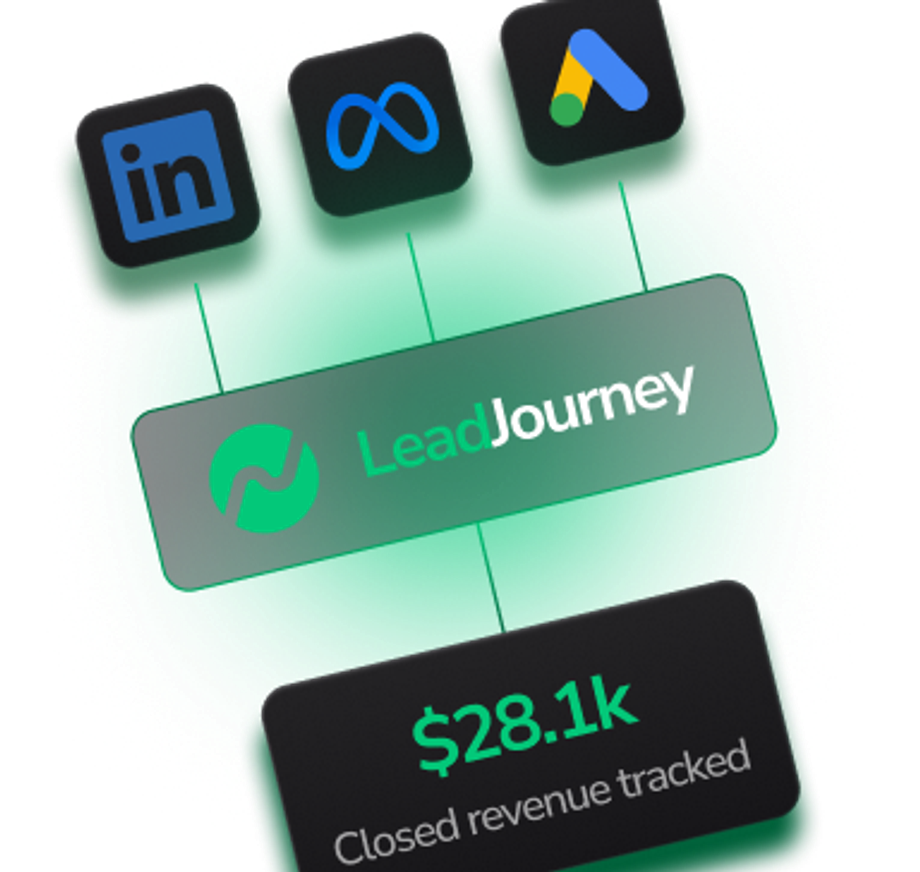
Salesforce holds the source of truth for enterprise pipeline — but those opportunity stages and closed-won revenue never make it back to Meta, Google, LinkedIn, or Bing by default. Connecting Salesforce to LeadJourney via webhook closes the gap: every stage change feeds your campaign data, so ad algorithms optimize for the leads that actually close, not just MQLs.
COMPARISON
Salesforce alone vs Salesforce with LeadJourney
How using Salesforce on its own compares to pairing it with LeadJourney for full enterprise attribution.
HOW TO CONNECT
How to connect Salesforce to LeadJourney
Connect Salesforce to LeadJourney in minutes via webhook. No native integration required — works with Salesforce Flow, Apex, or any automation tool.
- 01
Get your LeadJourney webhook URL
In LeadJourney, open integration settings and copy your unique webhook endpoint.
- 02
Choose your trigger method
Use Salesforce Flow, Apex triggers, or connect via Zapier, Make, n8n, or MuleSoft.
- 03
Set up the trigger
Trigger on opportunity stage changes (qualified, closed-won, closed-lost) or any custom event.
- 04
Map your fields
Send opportunity amount, contact email, stage, and original click ID to LeadJourney's webhook.
- 05
Activate and verify
Activate the Flow or automation. LeadJourney will start receiving Salesforce events. Verify in the live event log.
FAQ
Frequently asked questions about Salesforce
Answers to the most common questions about connecting Salesforce to LeadJourney.
Other LeadJourney integrations to consider
Pair Salesforce with these popular LeadJourney integrations to get the most from your enterprise CRM data.

HubSpot
Push HubSpot deal stages, qualified leads, and closed-won revenue back to LeadJourney via webhook — so every campaign sees the leads it actually drove.
View Integration
Pipedrive
Connect Pipedrive to LeadJourney via webhook to push deal stage changes, qualified leads, and won revenue back to Meta, Google, LinkedIn, and Bing.
View IntegrationTrack every test
With Pixel-Perfect Accuracy
every lead with pixel-perfect accuracy LeadJourney captures