OVERVIEW
What you get with the TikTok integration
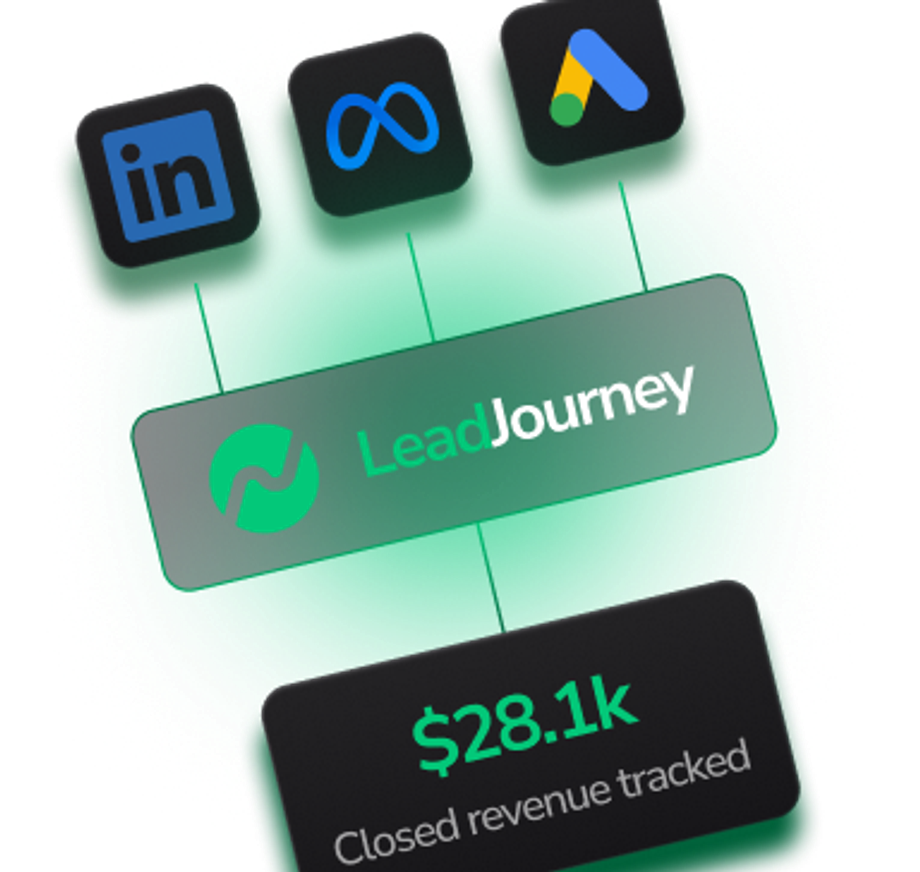
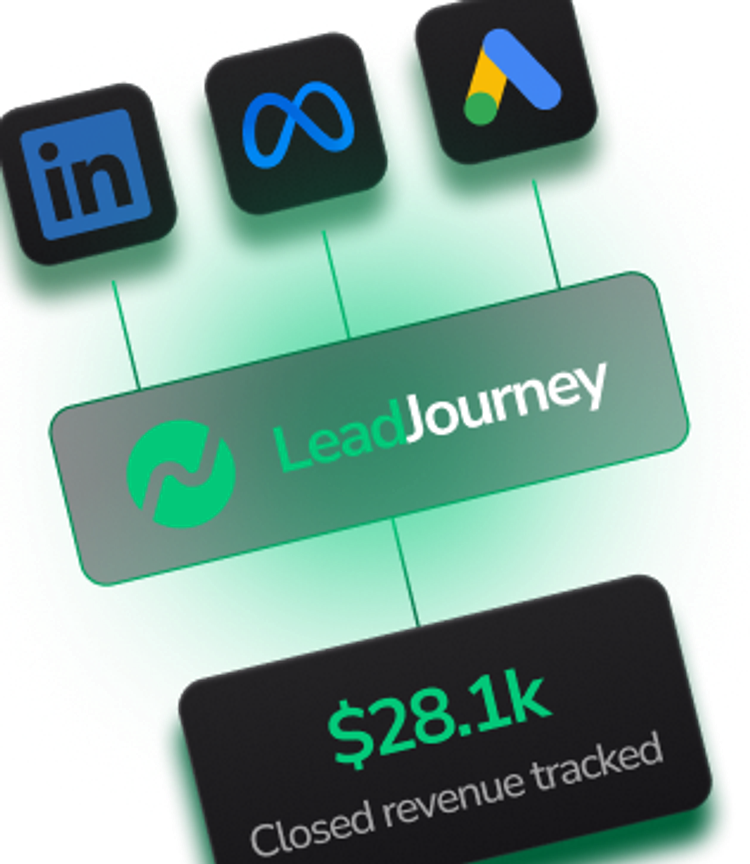
TikTok drives traffic from your bio link and video links — but the platform strips most referrer data, so almost everything ends up in 'direct' or 'social' in GA4. LeadJourney's tracking script captures the parts of TikTok traffic that retain referrer, and uses LeadJourney UTM parameters in your bio link or video links to capture the rest. Result: every lead is attributed to the exact video or campaign that drove them.
USE CASES
What you can do with TikTok and LeadJourney
How LeadJourney makes TikTok a measurable lead source — even when referrers are stripped.
- 01
Just install our tracking script
One script in your website header — that's all you need. No TikTok API setup, no developer work.
- 02
UTM-tag your bio link once
Replace your bio link with a LeadJourney UTM-tagged URL. Every click is attributed to TikTok and ready for per-video breakdown.
- 03
Per-video attribution
Add unique lj_content tags to each video link or description. See exactly which video drives leads — not just total TikTok traffic.
- 04
Server-side accuracy
Captures conversions server-side at 95%+ accuracy — past ad blockers, cookie banners, and iOS restrictions.
- 05
Add CRM for pipeline & ROI
Connect HubSpot, Pipedrive, Salesforce, or any CRM via webhook to see pipeline value and ROI per TikTok video.
WHY IT MATTERS
Why TikTok customers need AI visibility tracking
Most TikTok creators post daily and have no idea which video pays back. The TikTok app strips referrer for almost every link click — so GA4 sees 'direct' even when 80% of your traffic came from a single viral video. With UTM-tagged bio links and video links, LeadJourney shows exactly which video drove each lead, which content format converts, and (with CRM connected) which TikTok content generates real revenue.
COMPARISON
TikTok alone vs TikTok with LeadJourney
How tracking TikTok with default analytics compares to LeadJourney.
HOW TO CONNECT
How to connect TikTok to LeadJourney
From signup to tracked TikTok leads in under 30 minutes — no developer required.
- 01
Sign up for LeadJourney
Create your account and connect your custom tracking domain — takes about 5 minutes.
- 02
Install the tracking script
Copy the LeadJourney tracking script and paste it into your website's <head> tag. Every organic channel is now tracked automatically.
- 03
Tag your TikTok bio link
Replace your bio link with a UTM-tagged version (e.g., yoursite.com/?lj_source=tiktok&lj_medium=bio). LeadJourney parses this and attributes every lead from your bio click correctly.
- 04
Add UTMs to video links (optional)
When sharing direct links in video descriptions or comments, append LeadJourney UTM parameters (e.g., ?lj_source=tiktok&lj_medium=video&lj_content=video-slug). LeadJourney parses these so you know which video drove each lead.
- 05
Connect your CRM (optional)
For pipeline value and ROI per video, connect HubSpot, Pipedrive, Salesforce, or any CRM via webhook. Then see ROI per video — perfect for content optimization.
FAQ
Frequently asked questions about TikTok
Answers to the most common questions about tracking TikTok with LeadJourney.
Other LeadJourney integrations to consider
Track every organic social channel that drives leads — pair TikTok tracking with these for full attribution.

Bing
Track every Bing organic search lead as a distinct source — install our tracking script and see leads, pipeline, and ROI per channel without touching Bing Webmaster Tools.
View Integration
Track every lead from organic Facebook posts, profiles, and pages — install our tracking script and use UTMs to break down by individual post or campaign.
View Integration
YouTube
Track every lead from YouTube video descriptions, channel page, and pinned comments — install our tracking script and use UTMs to attribute leads to specific videos.
View IntegrationTrack every test
With Pixel-Perfect Accuracy
every lead with pixel-perfect accuracy LeadJourney captures